
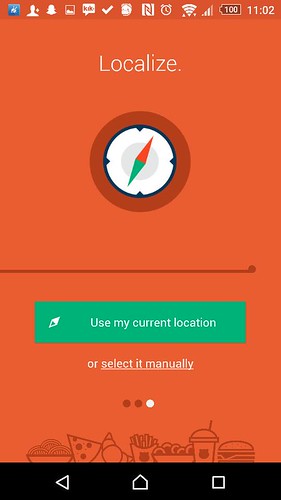
 Food Panda, a global online food ordering marketplace has finally arrived in Cebu! It’s the perfect mobile application for foodies, yuppies or just those who’d prefer a nice meal in to discover and choose from a wide range of food that usually isn’t available for delivery. Now ordering your favorite food just got so much better.I’ve used the Food Panda application a couple times already and I’ve been impressed by their services so far. For those who haven’t tried using it, leave it to me to show you how it’s done! Enjoy :)Step 1: Download the Food Panda application on your Android/ iOs devices OR visit the Food Panda website. Fill up the necessary information and choose your current location so Food Panda can locate the nearest establishments to you for a faster delivery.
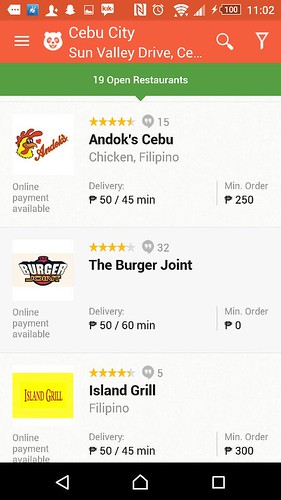
Step 2: Choose your restaurant.
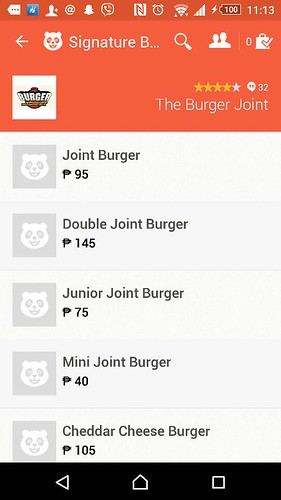
Step 3: I chose Burger Joint (for obvious reasons).
As soon as I clicked on the restaurant that I wanted, I was directed to their menu which was categorized based on main dishes/ side dishes/ etc. based on the restaurant of your choice. I love how the application is easy to use but for this part, I would’ve preferred that there were descriptions for each dish.
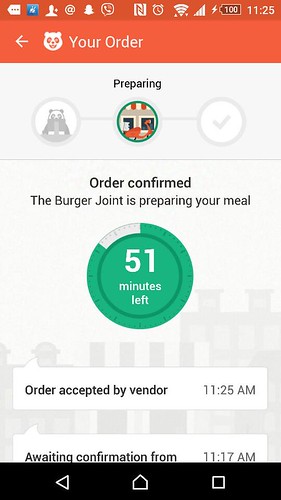
Step 4: Validate your order, choose your payment method, enter your promo code (if you have any and there always are!), wait for your confirmation text message and wait for your food.
The Food Panda application comes with it’s own countdown timer and luckily for me, my food has always arrived within the allotted time.
Also, if you’re lucky, the Food Panda delivery guy’ll come in his special Panda helmet. HAHA.


Make sure to download the Food Panda application and follow them on their social media applications such as Facebook, Instagram and Twitter for updates and promotion codes!
And because I love you all so much, I am also giving away P1,000.00 worth of GC’s from Food Panda! To join this giveaway, check out my Instagram account (@issaplease) for instructions.
//embedr.flickr.com/assets/client-code.js 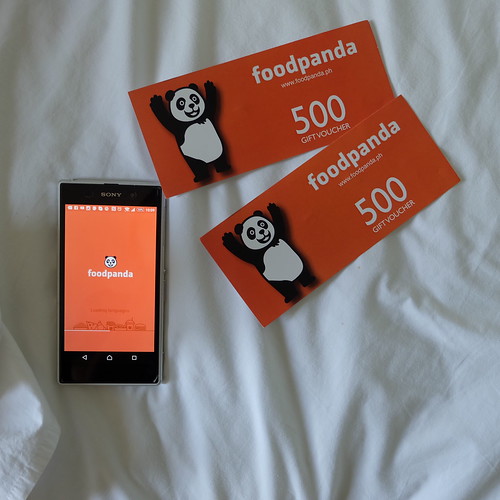
Good luck to you all,
Issa P.











 Issa Talks... Alot